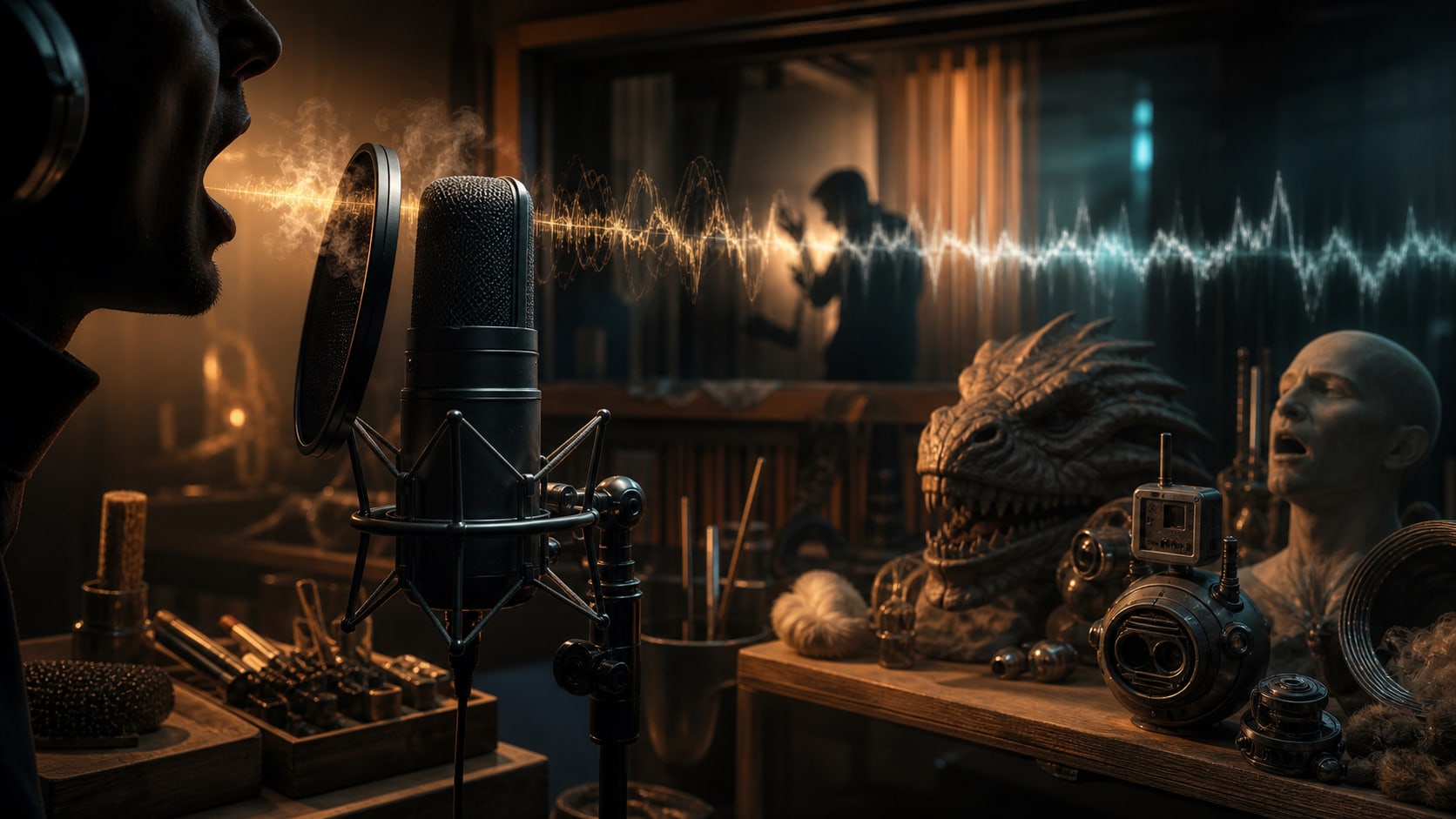
Vocalizations in Film: Gasps, Grunts, Breaths & Creature Voices

Vocalizations are non-verbal character sound effects: gasps, grunts, sighs, breaths, laughs, cries, crowd reactions, creature voices, robot chirps, and other voice-like cues that communicate emotion without regular dialogue.
The useful question is not only “what voice sound fits this character?” It is “what does the audience need to feel before anyone speaks?” A tiny inhale can reveal fear. A tired groan can make a cut feel physical. A laugh can turn a scene warmer, meaner, stranger, or more awkward. A creature breath can make a monster feel close before it appears on screen.
| Scene need | Useful voice cue | What it tells the audience |
|---|---|---|
| Physical effort | Grunt, groan, exertion breath | The body is under pressure. |
| Surprise or fear | Gasp, inhale, held breath | The character has registered danger or change. |
| Relief or release | Sigh, soft exhale, small laugh | The tension has broken. |
| Comedy or social subtext | Chuckle, scoff, awkward laugh | The moment has a second meaning. |
| Creature or alien presence | Growl, roar, rattling breath | The being has size, texture, and intent. |
| Robot or droid character | Whistle, chirp, chatter, processed beep | The machine has personality. |
Browse and download free vocalization sounds
We’ve rounded up 20 royalty-free voice and character sound effects from the Audio Design Desk collection. The playlist covers human reactions, effort sounds, breaths, crowd responses, droid cues, and creature voices so you can audition a real palette instead of using twenty versions of the same grunt.
If you are building a larger scene, pair these voice cues with related ambient sound effects, scary sound effects, cartoon sound effects, or crowd and clapping sound effects depending on the tone of the edit.
Sign up for a free 30 day trial of ADD and start adding character voice cues to your videos.
10 types of voice cues in film
Voice cues sit somewhere between dialogue, Foley, ambience, and character sound design. A cheering audience can function like atmosphere. A grunt during a fight can feel like Foley. A tiny breath before a line can become acting. The category matters less than the job.
Here are ten common non-verbal character sounds heard in film. These are close to the emotional categories editors reach for when they need a performance beat without adding words.
- Grunts and Groans: Expressing physical exertion or pain
- Sighs: Conveying emotional states like frustration, relief, or contentment
- Laughs: Ranging from genuine joy to nervous tension or malevolence
- Screams: Communicating fear, anger, or surprise
- Gasps: Indicating shock or sudden realization
- Whimpers: Expressing vulnerability or distress
- Hums: Suggesting contentment or contemplation
- Growls: Conveying aggression or animalistic traits
- Whispers: Creating intimacy or secrecy
- Breathing: Indicating emotional or physical state
How to choose the right voice cue
Start with the story function before you search by object or creature. A “monster growl” can be too large if the scene only needs close breathing. A “laugh” can feel false if the character is embarrassed rather than happy. Label the emotion, distance, and realism level first, then pick the sound.
| Question | Why it matters | Good search language |
|---|---|---|
| Is the sound diegetic? | A character in the scene may need a realistic human or creature performance. | gasp, grunt, breath, groan, sigh |
| Is it a stylized reaction? | Comedy, animation, and social edits can use larger, clearer cues. | chuckle, scoff, cartoon voice, crowd gasp |
| How close is the camera? | Close shots need mouth detail and breath; wide shots can use broader reactions. | close breath, small gasp, crowd cheer |
| Is the character human? | Creatures, robots, and aliens need identity without becoming random noise. | creature breath, droid whistle, alien growl |
| Does it need to repeat? | Games and series need variation so the cue does not become annoying. | short grunt, effort set, alternate gasp |
Five famous film examples
Let’s explore how these voice cues have been used effectively in popular films:
Gollum in “The Lord of the Rings” Trilogy (2001-2003)
Andy Serkis’s performance as Gollum is a masterclass in voice cues. His guttural “gollum” sound, along with hisses, growls, and whimpers, helps to convey the character’s dual nature and inner conflict. These sounds, combined with Serkis’s physical performance and the CGI, create a fully-realized character that’s both pitiful and menacing.
The Velociraptors in “Jurassic Park” (1993)
The voice cues of the velociraptors in Jurassic Park, created by combining the sounds of various animals, including dolphins and geese, add a layer of intelligence and menace to these prehistoric predators. Their chirps, barks, and hisses make them feel like real, thinking creatures rather than mindless monsters.
Chewbacca in the “Star Wars” Franchise (1977-present)
Chewbacca’s distinctive voice cues, created by sound designer Ben Burtt using a mix of animal sounds, convey a wide range of emotions despite the character never speaking a word of English. His growls, roars, and whimpers effectively communicate everything from frustration and anger to affection and humor.
The Xenomorph in “Alien” (1979)
The hisses, screeches, and growls of the Xenomorph in Alien, created using a combination of animal sounds and mechanical effects, add to the creature’s otherworldly and terrifying nature. These voice cues, often used in conjunction with silence and subtle sound design, heighten the tension and horror of the film.
Wall-E in “WALL-E” (2008)
Despite having a limited vocabulary, WALL-E expresses a wide range of emotions through his voice cues. His beeps, whirrs, and electronic chirps, combined with expressive “eye” movements, create a character that’s endearing and relatable. Sound designer Ben Burtt’s work on WALL-E demonstrates how voice cues can be used to create personality in non-human characters.
Using voice cues for character development
Non-verbal sounds can reveal personality traits that are not explicit in dialogue. The way a character laughs, sighs, or grunts can tell us whether they are confident, guarded, exhausted, dangerous, playful, or embarrassed.
A raw reaction can be more effective than a line of dialogue. A big laugh might indicate an outgoing nature, while a restrained chuckle could suggest someone more reserved. A breath can show panic before the character has the courage to speak.
A sudden scream communicates fear in a way that’s faster and more primal than language. Characters who seem calm might betray their true feelings with nervous laughter or other vocal tics. Every sound people make with their voice can carry a meaning of some kind.
Common voice-cue mistakes to avoid
- Using the biggest sound first. A roar, scream, or huge laugh can flatten the scene if the performance only needs a small breath or shift in attention.
- Ignoring distance. A close-mic gasp under a wide shot can feel pasted on. A distant crowd reaction under a close-up can miss the emotion.
- Looping one take too many times. Repeated grunts, breaths, or droid chirps become obvious quickly. Use alternates when the action repeats.
- Forgetting the actor. The added sound should support the performance, not replace it or contradict the face on screen.
- Over-processing creature voices. Pitch shifting and distortion help, but mouth detail, breath, and rhythm make the result believable.
ADD Pro: Tips for processing and mixing voice cues
Audio Design Desk does not sell link placements or place affiliate links in any article.
Rule number one: Always start with high-quality recordings. Use good microphones and preamps to capture clear, detailed voice cues. The Neumann TLM 103 or Sennheiser MKH 416 are popular choices. Here are some specific recommendations that our team pooled together:
Use EQ to Shape the Sound
Plugin Recommendations: FabFilter Pro-Q 3, Waves H-EQ, or iZotope Neutron.
- Boost or cut specific frequencies to enhance the character of the vocalization.
- Use high-pass filters to remove unwanted low-frequency rumble.
- Apply gentle, wide Q settings for natural-sounding adjustments.
Apply Compression for Consistency
Plugin Recommendations: FabFilter Pro-C 2, Waves SSL G-Master Buss Compressor, or UAD 1176.
- Use gentle compression to even out the dynamics of voice cues.
- Adjust attack and release times to shape the transients and sustain of the sound.
Add Reverb for Space and Depth
Plugin Recommendations: Valhalla Room, FabFilter Pro-R, or Waves H-Reverb.
- Use different reverb types to match the on-screen environment.
- Adjust pre-delay, decay time, and early reflections to fine-tune the sense of space.
Use Pitch-Shifting for Variety
Plugin Recommendations: Soundtoys Little AlterBoy, Waves SoundShifter, or MeldaProduction MAutoPitch.
- Slightly adjust the pitch of voice cues to create variations from a single recording.
- Use formant shifting to maintain realism when pitch-shifting larger amounts.
Access 75,000+ royalty-free audio files
Ready to start experimenting with character voice cues in your own projects?
Download ADD for free to explore our collection of royalty-free character voice and sound effects. The intuitive interface and AI-powered sound placement make it easy to create emotionally resonant soundscapes for your characters. You can also visit our pricing page for details on the subscription tiers and terms of service.
For more sound design inspiration and resources, explore our sound effects learning hub.
Vocalizations FAQ
What are vocalizations in sound design?
Vocalizations are non-verbal sounds made by humans, crowds, creatures, robots, or other characters. In sound design they include gasps, grunts, sighs, breaths, laughs, cries, roars, chirps, and similar voice-like cues.
Are vocalizations dialogue or sound effects?
They can sit between dialogue and sound effects. If the sound carries character emotion but does not use words, editors often treat it as a sound effect, Foley layer, or character-performance cue.
How do I choose a vocalization sound effect?
Choose the emotional job first: effort, fear, relief, comedy, crowd reaction, creature presence, or robot personality. Then match the distance, realism, intensity, and timing to the shot.
Can I use vocalization sound effects in games and podcasts?
Yes. Short, varied non-verbal sounds are useful for games, podcasts, social edits, animation, trailers, and films as long as the license covers the project and the cues do not distract from the main performance.